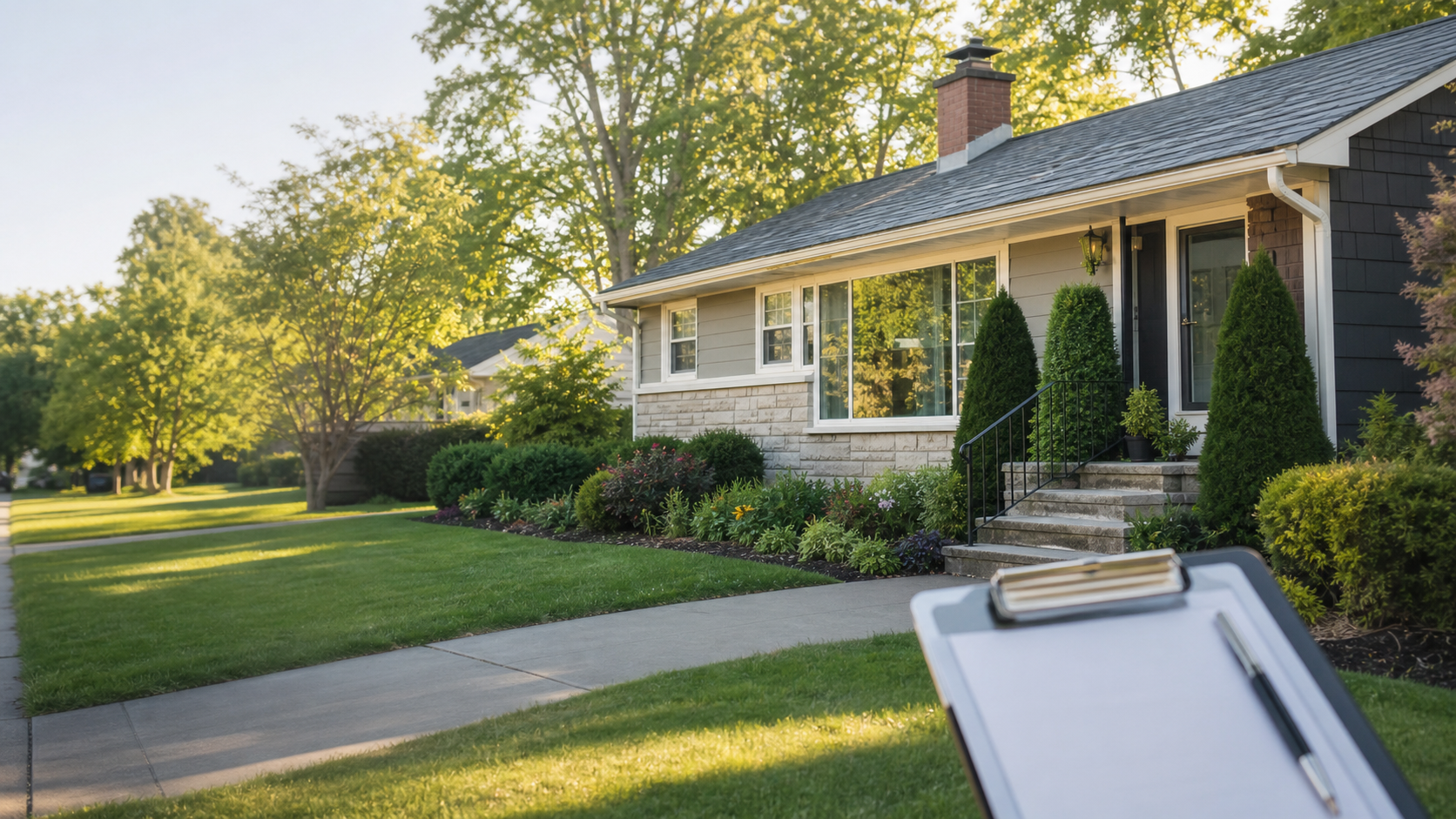
Property risk profile
Track age, visible condition, renovation clues, and neighborhood context so the big unknowns are easier to name.
Property intelligence for home buyers
Know before you offer. Build a clearer picture of a home before the pressure of inspection week.
Curbwise turns a listing, a showing, and a pile of questions into a practical property profile you can use before making an offer.
Track age, visible condition, renovation clues, and neighborhood context so the big unknowns are easier to name.
Keep permit, tax, flood, HOA, and jurisdiction checks organized by property instead of scattered across browser tabs.
Capture room-by-room observations, photos, and concerns while the details are still fresh.
Turn what you noticed into direct questions for your agent, inspector, seller, or contractor.
The first release is focused on helping buyers slow down, compare properties, and make better use of inspection time.
Save the address, listing notes, age, photos, and early concerns before the walkthrough.
Work through condition, renovation, permit, location, and maintenance prompts tailored to the home.
Leave with a cleaner issue list, a stronger inspection agenda, and a buyer report you can share.
Get a red/yellow/green risk brief on any property before you make an offer. Free to try — no account required.